

Effortless Inventory Management
Simplify your business operations with Acctivate's intuitive inventory management system that streamlines processes and saves you time.

Real-Time Insights
Gain valuable real-time insights into your inventory levels, sales trends, and financial data to make informed business decisions.

Seamless Integration
Seamlessly integrate Acctivate with QuickBooks to ensure accurate financial data and eliminate manual data entry errors.
About the Course
Are you tired of manual inventory tracking and financial discrepancies? Our course will guide you through harnessing the full potential of Acctivate Inventory Software for QuickBooks. Learn how to optimize your business processes and achieve seamless inventory management while maximizing efficiency and profitability. Take the first step towards transforming your small business today!
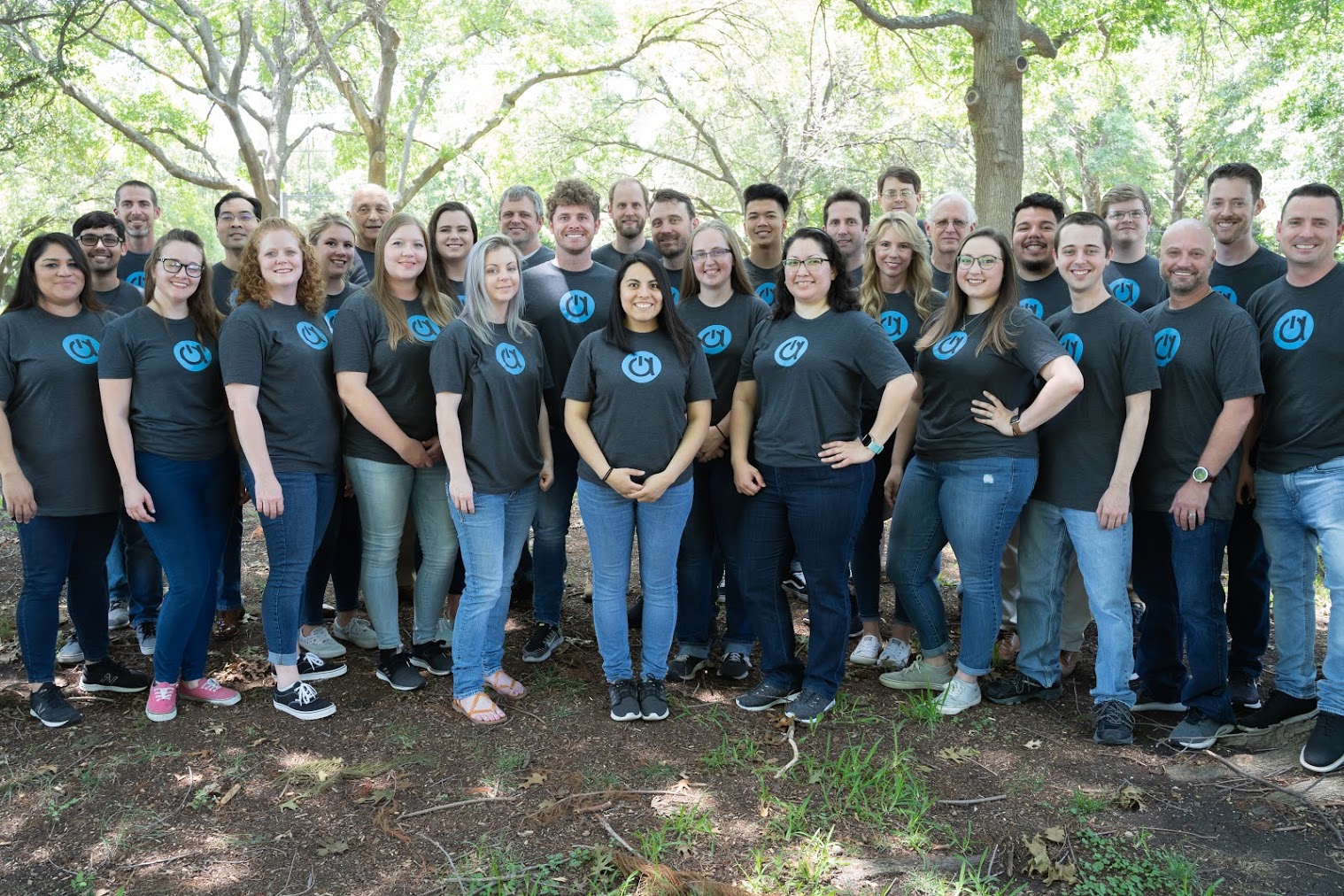
Meet Your Instructors!
The Acctivate Team is a dedicated group of experts passionate about empowering businesses to optimize their inventory management and operational efficiency. With years of experience in software development, inventory solutions, and customer support, the team brings a wealth of knowledge to every training session. Their mission is to ensure every user feels confident and capable in leveraging Acctivate’s powerful features to achieve success.
Course Curriculum
-
1
Introduction to Acctivate
-
(Included in full purchase)
Getting Started with Acctivate
-
(Included in full purchase)
Integration with QuickBooks Online
-
(Included in full purchase)
Navigating the Interface
-
(Included in full purchase)
-
2
Inventory Basics
-
(Included in full purchase)
Setting Up Inventory Items
-
(Included in full purchase)
-
3
Efficient Order Management
-
(Included in full purchase)
Automating Reorder Points
-
(Included in full purchase)
-
4
Sales and Reporting
-
(Included in full purchase)
Using Insights to Drive Business Decisions
-
(Included in full purchase)
-
5
Advanced Features and Best Practices
-
(Included in full purchase)
Best Practices for Inventory Optimization
-
(Included in full purchase)
Ready to Elevate Your Business?
Take the leap towards efficient inventory management and financial clarity with Acctivate Inventory Software. Join our course today and unlock the potential for growth and success!